Manually Add Review Sites - Better Business Bureau (BBB)
Find your business profile on BBB. Go to the Customer Reviews by clicking "Be the First to Review!" or "View Customer Reviews". When you are on the review page, copy the url from the address bar.
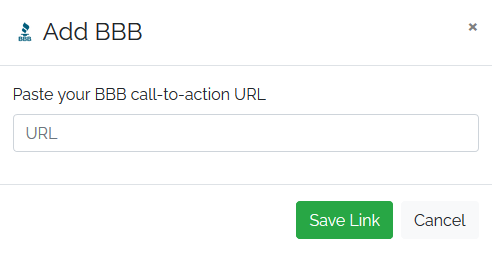
In the review software open the Settings for your location and go to the Review Sites tab. Click the Manually Add Review Sites button and select BBB. Paste the url and click Save Link.