Manually Add Review Sites - Angie's List
Your Angie's List review site url will look like this: my.angieslist.com/angieslist/review/SPID
You MUST replace the letters SPID with the number of your Service Provider ID that you find by logging into the Angie's List Business Center.
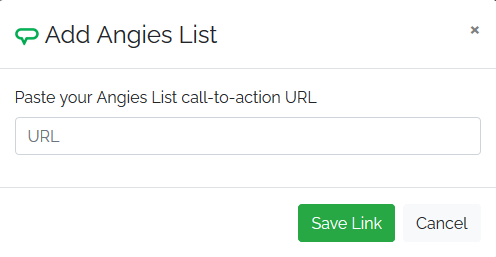
In the review software open the Settings for your location and go to the Review Sites tab. Click the Manually Add Review Sites button and select Angie's List. Paste the url with your SPID and click Save Link.